
No Code Web Development: A Practical 2026 Guide for Beginners and Teams
No code web development lets you build websites and web apps by dragging, dropping, and configuring visual tools instead of writing programming code. A decade ago that sentence would have sounded like a sales pitch. Today it describes how thousands of founders, marketers, and operations teams ship real products every week, often in days rather than months.
This guide explains how the approach works, where it shines, and where it quietly falls apart. You’ll also see how it compares with custom code, which tools fit which jobs, and how to build your first project without wasting money. Read it as a friendly reality check from people who build software for a living.
What Is No Code Web Development?
No code web development is a way of creating web products using visual interfaces. You pick elements from a menu, arrange them on a canvas, connect them to data, and set rules for what happens when a user clicks something. Behind the scenes, the platform turns those choices into working code, hosting, and databases, so you never touch a terminal.
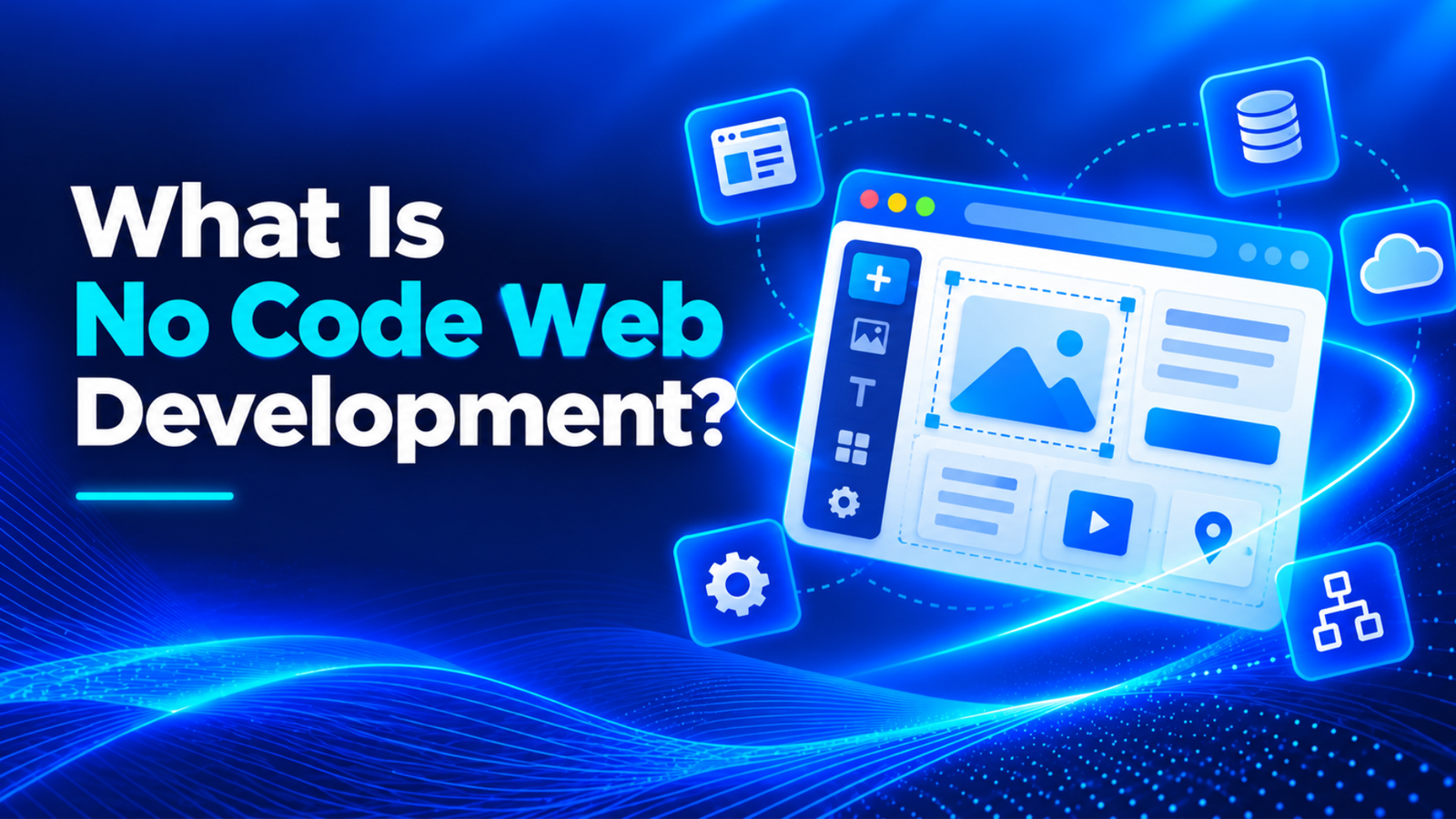
The idea isn’t new, but the quality is. Early website builders gave you pretty templates and little else. Modern platforms handle user logins, payments, search, email automation, and even complex business logic. That shift is why no code web development now covers everything from a simple portfolio to a customer portal or a small marketplace.
How No Code Web Development Actually Works
Most platforms share three layers. The first is the interface builder, where you design screens. The second is the data layer, a built-in database or a connection to tools like spreadsheets and CRMs. The third is the logic layer, usually a workflow editor where you describe things in plain terms: when a form is submitted, save the record, send an email, and update the dashboard.
Because these layers sit in one place, changes feel fast. Edit a button, publish, and it’s live. Add a field to a form, and the database updates itself. That speed is the real selling point of no code web development, since it shortens the loop between having an idea and watching real people use it. Fast feedback beats perfect planning almost every time, which is why teams new to no code web development often progress faster than they expected.
Key Benefits of No Code Web Development
Speed comes first. A simple application that might need weeks of developer time can often be built in a few days. Cost is the second benefit. Hiring developers is expensive, and early ideas rarely deserve a large budget. With no code web development, a small team can test a concept for the price of a few monthly subscriptions instead of a full project.
The third benefit is ownership by the people who understand the problem. A marketing manager knows exactly what the landing page should do. An operations lead knows which approval step keeps getting stuck. When those people can build and adjust things themselves, you skip the long chain of briefs, misunderstandings, and revisions that slows traditional projects down.
Iteration is the fourth. Changing a no code product is cheap, so you can try three versions of a signup flow in a week. Teams that learn this habit often end up with better products, simply because they test more ideas before settling on one.
The Limits You Should Know Before You Start
Here’s the part sales pages skip. Every platform has a ceiling. You can only do what the builder allows, and when you hit a wall, there’s often no clean way around it. Unusual logic, heavy data processing, or very custom interfaces can push a project past what the tool handles comfortably, and by then you may have hundreds of hours invested in it.
Vendor dependence is the other concern. Your application lives on someone else’s platform, which means their pricing, their outages, and their roadmap affect your business. Exporting your work is sometimes limited, so moving away later can mean rebuilding from scratch. None of this makes no code web development a bad choice. It just means you should choose with open eyes and keep a backup plan.
No Code Website Builder vs. No Code Web Application Builder
These two terms get mixed up constantly, and the difference matters when you pick a tool. A no code website builder focuses on publishing pages: portfolios, business sites, blogs, landing pages. Design control, templates, and built-in SEO settings matter most. Platforms like Wix, Squarespace, and Webflow sit in this group, each with a different balance of simplicity and design freedom.
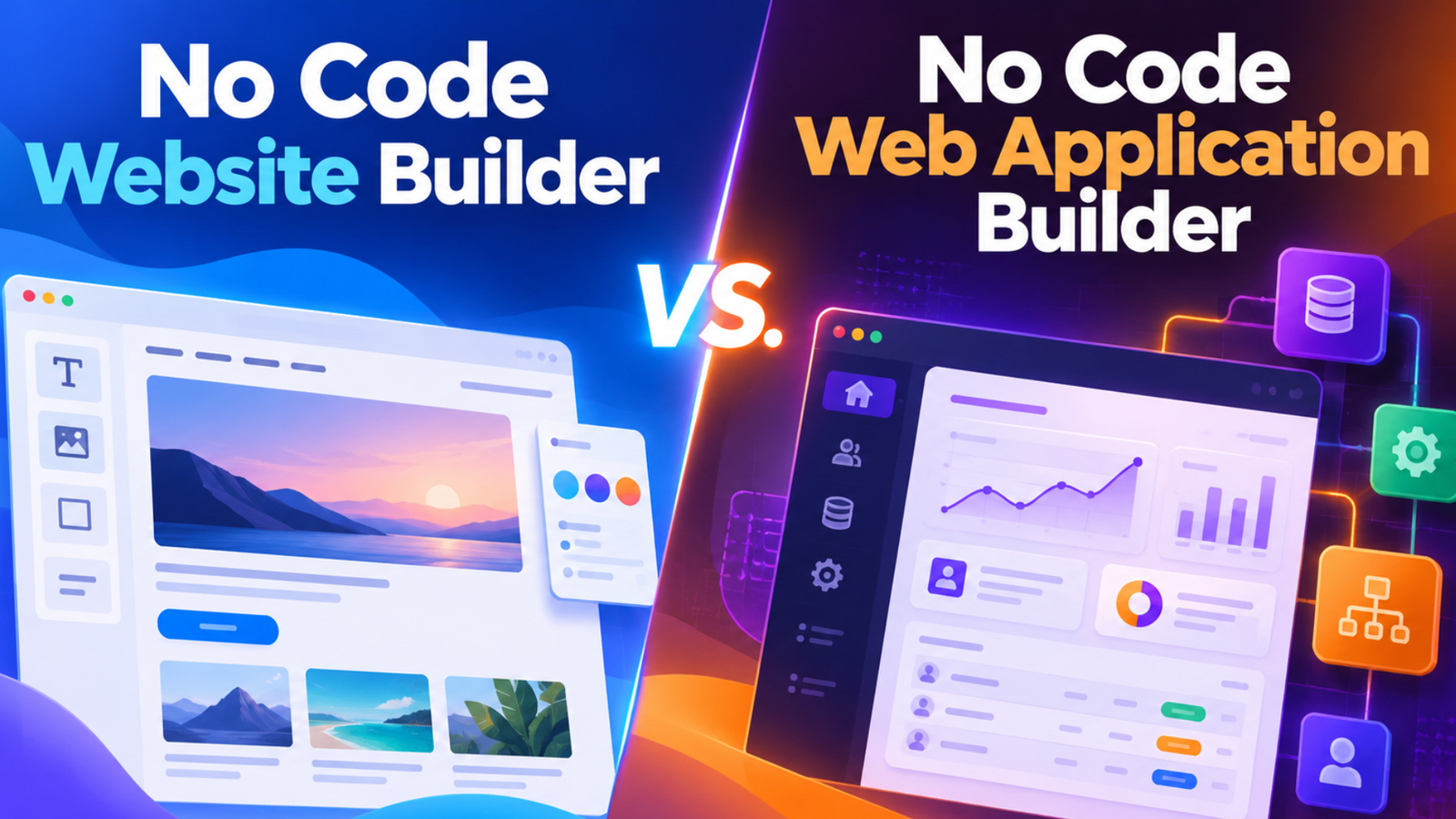
A no code web application builder goes further. It lets you create products with user accounts, dashboards, databases, and workflows, such as a booking system or a client portal. Tools such as Bubble, Softr, and Glide lean this way. If visitors only read content, a website builder is enough. If they need to log in and do things, you’re shopping for an application builder, and the price and learning curve rise accordingly.
No Code vs. Low Code vs. Custom Code
People often treat these as rivals, but they work better as a ladder. No code asks for no programming. Low code adds small pieces of custom scripting for flexibility. Custom code means developers build everything from scratch, with total control and total responsibility. Each step costs more and takes longer, and each also removes more limits.
| Approach | Skills needed | Speed | Flexibility |
|---|---|---|---|
| No code | None or very little | Fastest | Limited by the platform |
| Low code | Basic scripting | Fast | Moderate |
| Custom code | Professional developers | Slowest | Nearly unlimited |
A sensible path for many businesses is to start with no code web development, prove that people want the product, and move to custom code only when real usage pushes against the platform’s limits. That order protects your budget, because you spend on engineering after the idea has proven itself rather than before.
When No Code Web Development Is the Right Choice
It fits best in a handful of situations. Prototypes and minimum viable products are the classic case, since you need to learn quickly with a small budget. Internal tools are another, because dashboards, approval flows, and trackers rarely need pixel-perfect design. Small business sites, membership portals, directories, and simple marketplaces also work well.
It fits poorly when your product needs heavy computation, strict compliance, very high traffic, or a unique experience that is the whole point of the business. If your competitive advantage lives inside complex software, build it with code. If your advantage is your service, your audience, or your speed, no code web development usually gets you to market sooner and keeps your options open.
Real-World Ways Teams Use No Code Web Development
A local training company builds a booking portal where students pick sessions, pay online, and receive reminders, all without a developer on payroll. A small logistics firm replaces a messy spreadsheet with a dashboard that shows delivery status to customers. A consultant launches a members-only resource library in a weekend and charges a monthly fee. These aren’t toy projects. They solve real problems for real money.
What they share is a narrow goal. Nobody tried to rebuild a giant platform in one go. Each team picked a single workflow, built it quickly, and improved it based on feedback. That focus is the quiet secret behind most successful no code web development projects, and it’s a habit worth copying whatever tool you end up using.
How to Build Your First Project, Step by Step
Start with one problem, not one platform. Write down what the product should do for a single type of user, in two or three sentences. Then list the screens that person needs and the data you must store. This sounds basic, yet it prevents the most common failure: building features nobody asked for because the tool made them easy to add.
Next, pick a tool by testing it. Most platforms offer free plans, so build a tiny version of your idea in two or three of them and see which one feels natural. Check pricing at scale, not just on day one, because per-user fees can climb quickly. Once you’ve chosen, build the smallest useful version, share it with five real users, and watch where they get confused. Fix those spots before adding anything new.
Finally, plan for the future early. Keep your content and data organized so you can export it, document how things work, and note the point at which you’d outgrow the tool. A short written plan today saves a painful migration later.
SEO and Performance Considerations
Many people assume no code sites can’t rank on Google. That’s outdated. Good platforms let you edit titles, meta descriptions, headings, image alt text, and URLs, and they generate sitemaps automatically. The real risk is quieter: heavy pages, bloated scripts, and slow mobile loading, which hurt both visitors and rankings. Google’s own Search Central documentation explains the basics every site owner should know.
Keep pages lean, compress images, limit third-party widgets, and test speed regularly with tools described on web.dev. Write original content rather than relying on template placeholder text. A well-built no code web development project can perform just as well as a hand-coded one, provided someone cares about the details that search engines and visitors both notice.
Common Mistakes to Avoid
The biggest mistake is picking a tool before defining the problem. People fall in love with a platform’s demo, then discover it can’t do the one thing their business needs. Always check your must-have features against the platform before building anything serious.
Another common mistake is ignoring security and data privacy. A visual builder doesn’t remove your responsibility to protect customer information. Review permissions, limit who can see what, and read how the platform handles personal data. Teams also forget about maintenance. Workflows break when connected tools change, so someone needs to own the product after launch. If you’d like a second opinion on scope or tool choice, an experienced team like UpscoreTech can help you decide whether to build with no code or move straight to custom development.
Frequently Asked Questions
What is no code web development?
It’s the practice of building websites and web applications using visual tools, templates, and workflow editors instead of programming languages. The platform handles code, hosting, and databases, so non-developers can create working products quickly.
Is no code web development good enough for a real business?
Yes, for many use cases. Business sites, internal tools, portals, and early-stage products run well on no code platforms. Problems appear with heavy computation, strict compliance needs, or very high traffic, where custom code usually becomes the safer choice.
Can a no code website rank on Google?
It can. Most modern builders let you control titles, meta descriptions, headings, and URLs, and they create sitemaps for you. Rankings depend on content quality, page speed, and links more than on whether the site was built with code.
How much does a no code project cost?
Costs range from free plans for simple tests to a few hundred dollars per month for larger applications, plus any paid plugins or templates. Always check pricing at scale, since user-based fees can grow as your audience does.
Final Thoughts
No code web development has moved from a niche shortcut to a serious way of building. It won’t replace professional developers, and it isn’t meant to. Think of it as a first draft of your product that real customers can actually use starting today. It gives small teams a fast, affordable way to test ideas, launch products, and learn from real users before committing to a larger investment.
Pick one problem, build the smallest useful version, and put it in front of real people this month. That’s the simplest way to start with no code web development. If it works, you’ll have evidence for your next move, whether that means growing on the same platform or hiring a team to build something custom.